Do You Need to Clean Conference Rooms After Every Meeting?
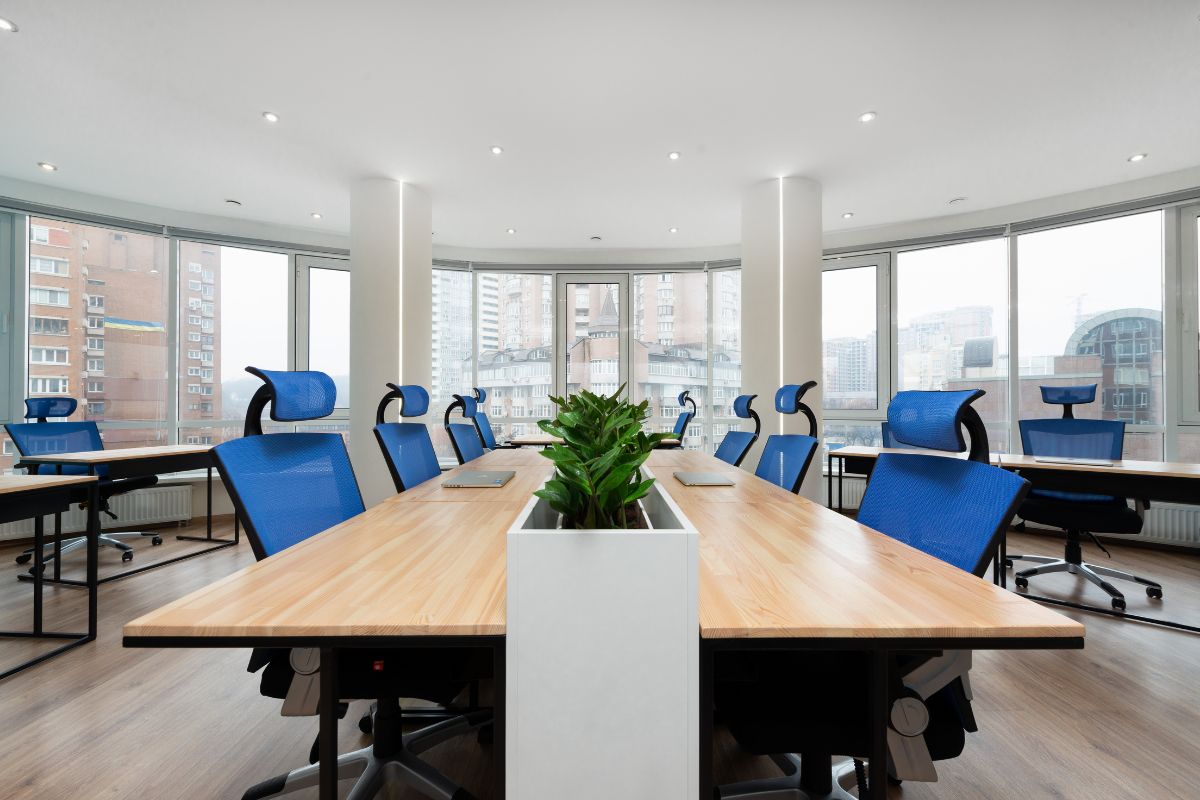
Short answer: you don’t need a full scrub after every meeting—but a quick reset is worth its weight in coffee. Conference rooms are like the front porch of your workplace. If they’re tidy, meetings start on time, tech behaves, and nobody’s distracted by crumbs or mystery smudges on the screen.
Here’s a simple way to think about it: reset after each meeting, clean daily, deep-clean weekly. That rhythm keeps things looking sharp without turning your team into full-time cleaners.
Why a Quick Reset Matters
- First impressions: Guests notice sticky tables and tangled cables instantly.
- Hygiene: Touchpoints (table edges, remotes, speakerphones) collect fingerprints fast.
- Tech sanity: When cords and adapters live where they should, the next meeting doesn’t start with a scavenger hunt.
- Less chaos later: Tiny resets prevent the end-of-day snowball.
The 5-minute “after-every-meeting” reset
Post this in the room or add it to the calendar invite as a reminder:
- Trash & dishes: cups, cans, napkins, food bits—out they go.
- Table wipe: quick pass with a damp microfiber; focus on chair “zones” and the center.
- Chairs & cables: push chairs in; coil HDMI/USB-C; put adapters in a small tray.
- Tech touchpoints: wipe the remote, speakerphone, and keyboard/mouse if used.
- Whiteboard: snap a photo if you need it, then erase fully (frame and ledge included).
- Air it out: crack the door for a minute, especially after lunch meetings.
That’s it. No mops. No drama. Just a reset so the next group can get rolling.
When to Disinfect (not just clean)
You don’t have to bring out the big guns every hour. Save disinfecting for:
- Cold/flu waves or a known illness.
- Food-heavy meetings (crumbs and sticky spots = more hand-to-mouth contact).
- High-traffic days with back-to-back bookings.
Go easy on strong scents. Fragrance-free wipes or a hydrogen-peroxide–based disinfectant do the job without turning the room into a perfume shop. Keep an eye on contact time—if the label says “keep surface wet for 2 minutes,” don’t wipe it dry early.
What can wait until the Daily Clean
- Floors: vacuum/mop once a day unless there’s a spill.
- Glass & doors: fingerprints come off in one pass during closing.
- Screens: gentle wipe at day’s end (no harsh chemicals).
- Bins: empty daily; add a liner if food is common.
If you work with Office Cleaning services, this is usually their lane. They’ll hit floors, bins, glass, and a more thorough surface clean after hours.
The Weekly Deep-Clean List
- Under-table cable nests: dust, re-strap, label ends.
- Chair bases and arms: wipe down and spot-clean upholstery.
- Vents and returns: quick dust so air doesn’t blow lint back into the room.
- Baseboards and corners: the crumb zone no one sees until they do.
- A/V shelves and touch panels: detail clean around buttons and edges.
If your building gets heavy use or has multiple conference rooms across floors, this is where Commercial Cleaning Services come in handy. For sites with shop dust, oil residues, or production areas nearby, you may occasionally need heavier cleaning—some teams that offer Industrial Cleaning services can handle high dusting or more stubborn soils on a set schedule.
Starter Kit for Every Conference Room
- Microfiber cloths (one stack per room, color-coded if you can)
- Small bottle of mild, fragrance-free surface cleaner
- Disinfecting wipes (short contact time)
- Glass cloth for fingerprints on doors and screens
- Cable tray or small bin for adapters and remotes
- Whiteboard spray and a few fresh markers
- Mini sign: “Leave it better than you found it” (friendly, not bossy)
Put these in a tidy caddy on a shelf—not locked in a cabinet no one opens.
Food Meetings Without the Mess
- Tray liners or a cheap table runner under catering pans.
- Two trash bins: one for general waste, one for bottles/cans.
- Wet wipes within reach so spills don’t set.
- Five-minute buffer after the meeting so someone can reset before the next group.
Small Habits that Make a Big Difference
- Calendar padding: book meetings for 25 or 50 minutes to leave reset time.
- Room host: the person who scheduled the meeting calls the reset (doesn’t mean they do it alone).
- “Last out” check: one glance at table, chairs, and whiteboard on the way out.
- No aerosols: mists hang in the air; wipes or damp cloths are cleaner and calmer.
Signs you Should Clean More Often
- You’re finding sticky rings or crumbs at the first meeting of the day.
- The board is never truly blank.
- People show up early to untangle cables.
- The room smells like yesterday’s pizza at 9 a.m.
- Guests start carrying in their own sanitizer and cloths.
If any of these ring true, bump up the daily clean or add a mid-day sweep. If your team is stretched, that’s a good cue to bring in Office Cleaning services for a short mid-afternoon visit, not just overnight work.
Simple Cleaning Map (use or tweak)
- After each meeting (5 minutes): trash, table wipe, tech wipe, chair/cable reset, whiteboard clear.
- Daily (evening): floors, glass, bins, full surface wipe, quick tech dust.
- Weekly: chairs, cables, vents, baseboards, deep screen edges and panels.
- Monthly/Quarterly: high dusting, upholstery spots, under-table rebuild, inventory check on supplies.
Bottom line
You don’t need to wash the room within an inch of its life after every meeting. Keep a five-minute reset on repeat, let daily cleaning do the heavy lifting, and schedule a weekly deep clean so little problems never pile up.
If things get busy—or you’ve got more rooms than hands—bringing in Commercial Cleaning Services to handle nights and Office Cleaning services for mid-day resets keeps the space conference-ready without hijacking everyone’s day
Summary
Reset after each meeting, clean daily, deep-clean weekly—keep conference rooms ready without wasting time.
Source
https://www.interworldcleaning.com/

Leave a Reply
You must be logged in to post a comment.